- Home
- Thruster systems
- Control units
- Control panel
- Control panel for thruster, S-Link™, single joystick, hold function, color LCD touch
Control panel
Control panel for thruster, S-Link™, single joystick, hold function, color LCD touch
for variable speed thrusters
-
HOLD-FUNCTION
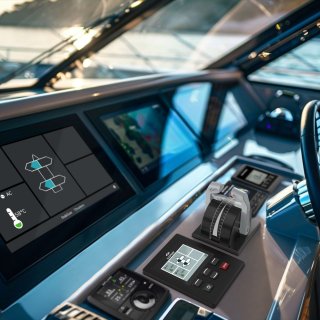
Docking your vessel has never been easier. With a single press of a button, you can rely on your thrusters to maintain the boat controlled against the dock while stepping off to secure the lines — making docking truly a one-person job.
Item code: PJC421-PVREL
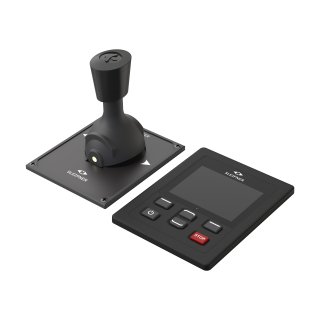
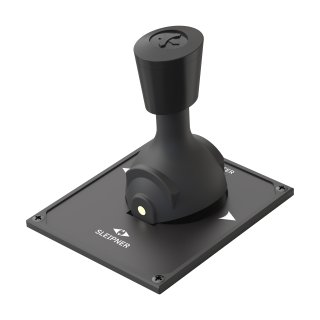
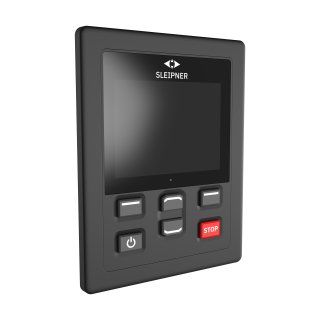
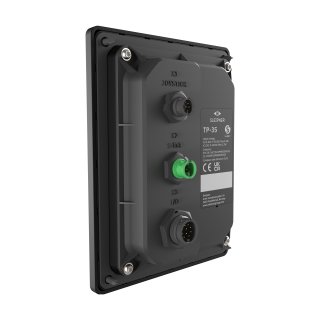
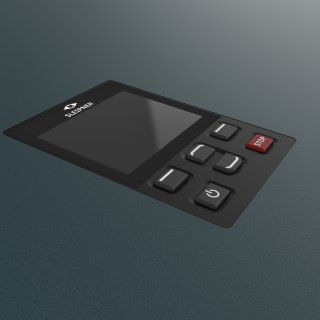
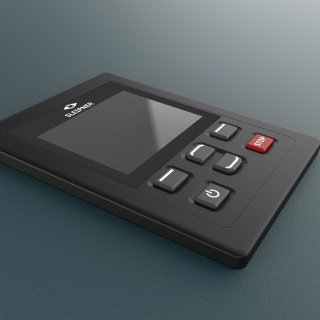
PJC421 single joystick with external interactive color screen.
- Back-lit touch color LCD with instant feedback
- Built-in WiFi module
- Built-in alarm buzzer
- Plug & Play cables, waterproof and compact connectors
- Dedicated connector for IO signals
- Can combine DC/HYD/AC
Properties
HOLD-FUNCTION
Docking your vessel has never been easier. With a single press of a button, you can rely on your thrusters to maintain the boat controlled against the dock while stepping off to secure the lines — making docking truly a one-person job.
| Features | Value |
|---|---|
| Hold Thrust | Yes |
| Ideal vessel integration | Value |
|---|---|
| Typical vessel class | Motor boat, Commercial vessel, Sail boat |
-
Cut Out Template, PJC421-PVREL
Cut Out TemplatesEnglishpdf -
Declaration of conformity (DoC), CE - Thruster Proportional Joystick Control PJC4xx 20.04.21
Conformity CertificateEnglishpdf -
PDF.file TP-35 Touch Panel - metadata
Technical drawingEnglishpdf -
DWG.file PVREL Joystick Single - metadata
Technical drawingEnglishdwg -
PDF.file PVREL Joystick Single - metadata
Technical drawingEnglishpdf -
PVREL Joystick Single
CAD FileEnglishstp -
Installation and User Manual - PJC421, PJC422, TP-35
Installation Manual, User ManualEnglishpdf -
Service and Support Manuals, Fault Codes
Service/Support ManualEnglishpdf -
STP.fil TP-35 Top mount
CAD FileEnglishstp -
STP.fil TP-35 Flush mount
CAD FileEnglishstp -
DWG.file TP-35 Touch Panel - metadata
Technical drawingEnglishdwg -
Installation and User Manual - PJC421, PJC422, TP-35 - SPANISH
Installation Manual, User ManualSpanishpdf -
Installation and User Manual - PJC421, PJC422, TP-35 - FRENCH
Installation Manual, User ManualFrenchpdf -
Installation and User Manual - PJC421, PJC422, TP-35 - GERMAN
Installation Manual, User ManualGermanpdf -
Installation and User Manual - PJC421, PJC422, TP-35 - ITALIAN
Installation Manual, User ManualItalianpdf
Control panel for thruster, S-Link™, single joystick, hold function, color LCD touch
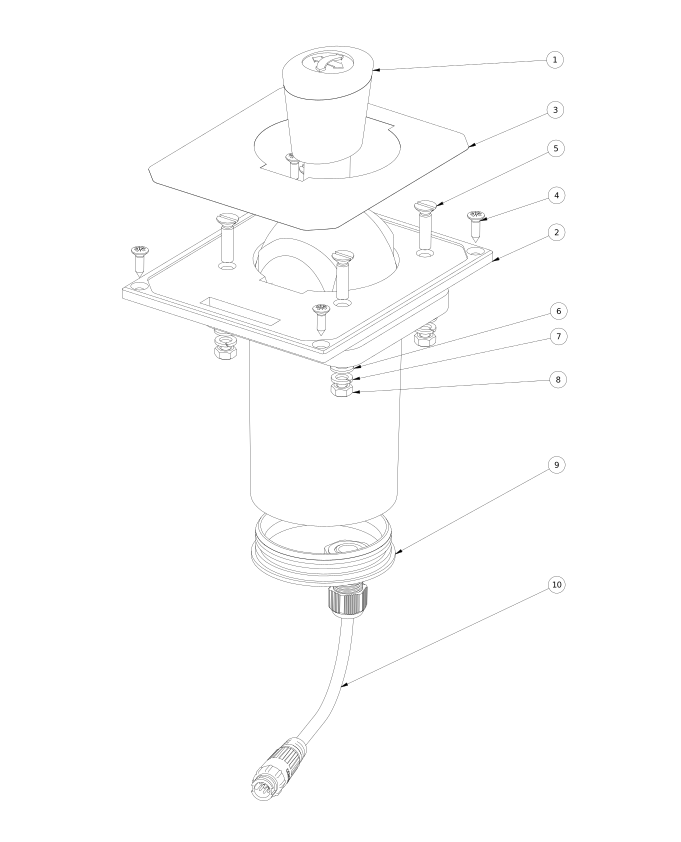
Guide to navigating spare parts
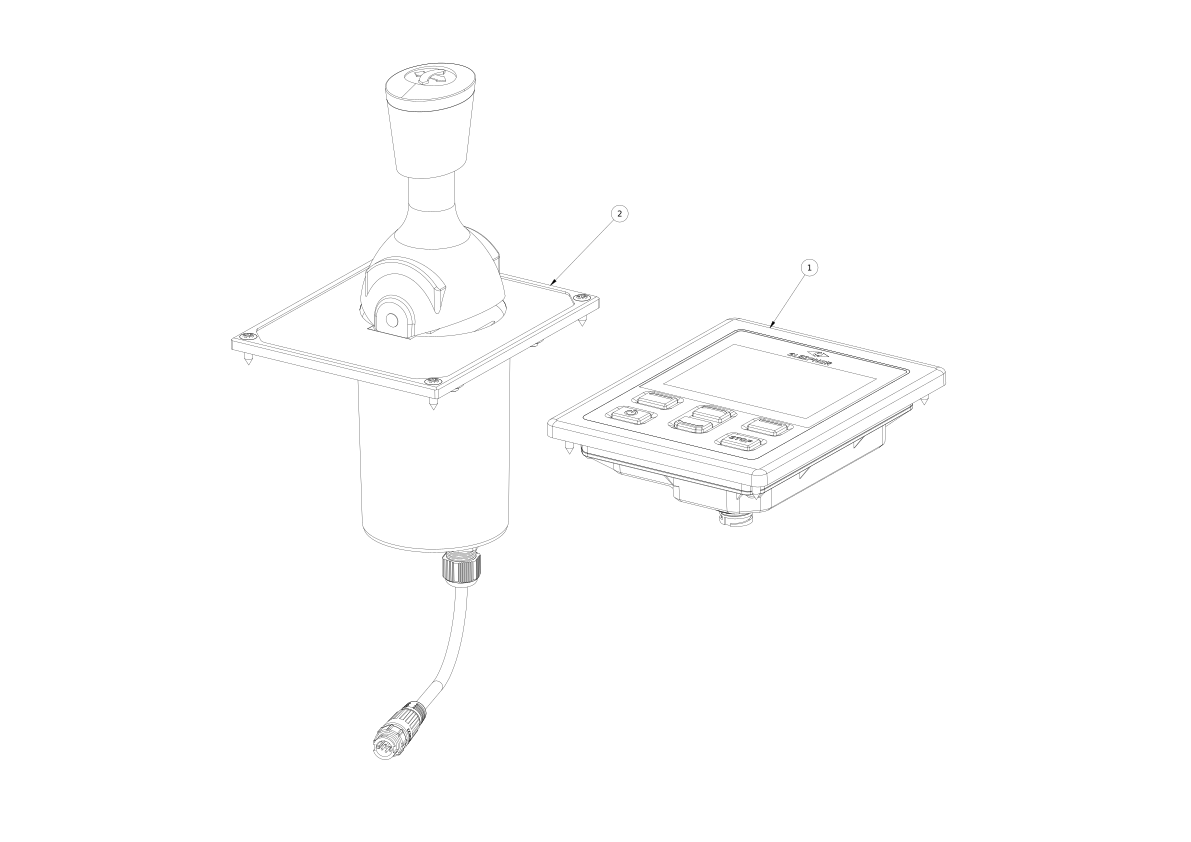
Below you will see the top-level assembly of spare part groupings available to you. If you desire a component within the presented assembly group, click on the name tag below the image to be directed to a detailed spare parts list for that assembly group. If no additional spare parts are available, it means that the current assembly group must be purchased as a whole due to service or installation requirements.
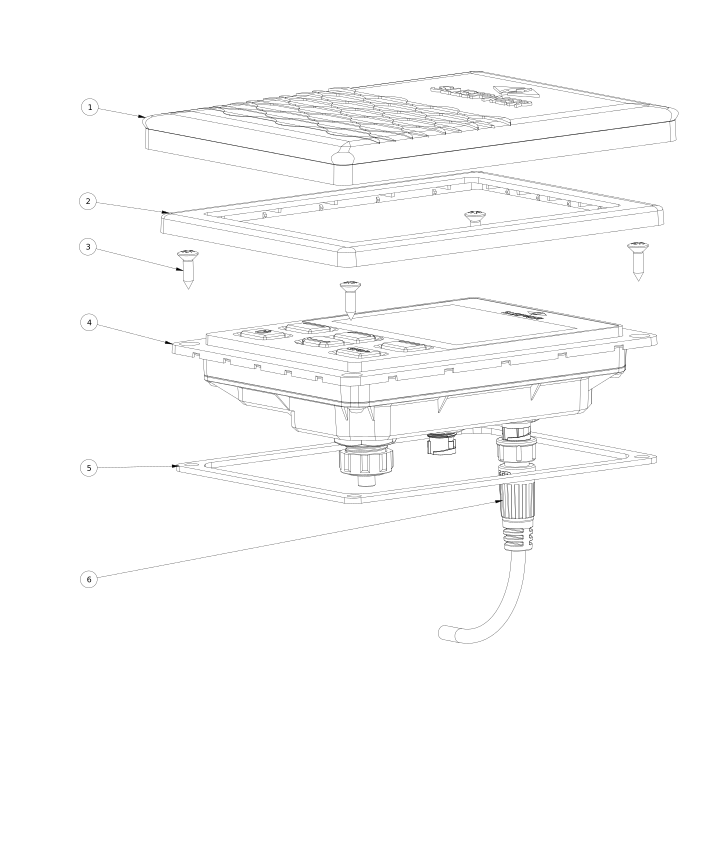
1 TP-35 Touch Panel
Protective cover
Cover frame
Screw
Panel
Gasket
Joystick Cable
2 PVREL Joystick Single, assembly
Joystick only
Cover plate single
Label
Screw
Countersunk screw
Washer
Spring washer
Hex nut
Joystick back lid
Joystick breakout cabel
Disclaimer
Sleipner warranties the original spare parts supplied only. The installer alone has responsibility for the installation of the spare parts. Do not attempt to fit replacement parts unless you are competent. If the spare part is fitted incorrectly, Sleipner Group will not be liable for any damage resulting.
The information given in the document was correct at the time it was published. However, Sleipner Group cannot accept liability for any inaccuracies or omissions it may contain. Continuous product improvement may change the product specifications without notice. Consequently, Sleipner Group cannot accept liability for any possible differences between product and document.
-
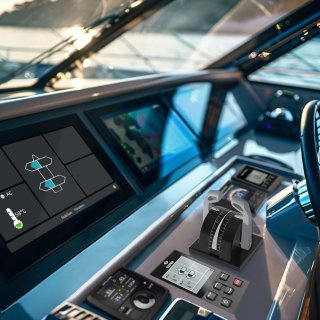
On a Sleipner thruster system you can use several Sleipner Control Panels.
For example one in the cockpit, one on the fly bridge and one in the stern steering position.
-
To ensure proper functioning and maintaining important safety features, we always recommend using original Sleipner control panels.
-
With the interest of safety prioritized preventing accidental use, all Sleipner electrical thrusters Control Panels have double 'ON' push buttons. To activate the control panel, you must press both "ON" buttons simultaneously. If your control panel still doesn't switch on, please check if there is electrical power available to the control panel.
-
S-link is a Sleipner CAN BUS based control system with full intelligent communication between all devices within the system, much like a computer network. It is used for all retract thrusters and Pro thrusters with a DC control system.
Main advantages include:
• Round, compact and waterproof plugs with unique keying and color coding to avoid faulty hookups.
• An unlimited number of commands or information transfer on a single cable.
• It has user feedback to panel
• Intelligent troubleshooting
-
A legacy that commits
We’ve lived and worked with the unruly sea for a hundred years. That’s why we develop important features that enables a boat to handle the sea better – that enable you to enjoy your boat, at anchor and at full speed. That is why you wanted a boat, isn’t it?
-
Beautiful engineering
The technology in our solutions is world-class. We know, because we’ve developed it ourselves, just as we manufacture every solution, and follow them until their fixed to a hull, ourselves. This meticulous attention to detail is why your day out always will be better with a Sleipner aboard.
-
Worldwide service
We take pride in our solutions’ function throughout their lifespan. So, we never really let them out of sight, even when they’ve left for distant shores. Our global network is there to ensure continuous optimal function. You know what you get with a Sleipner, today and tomorrow.